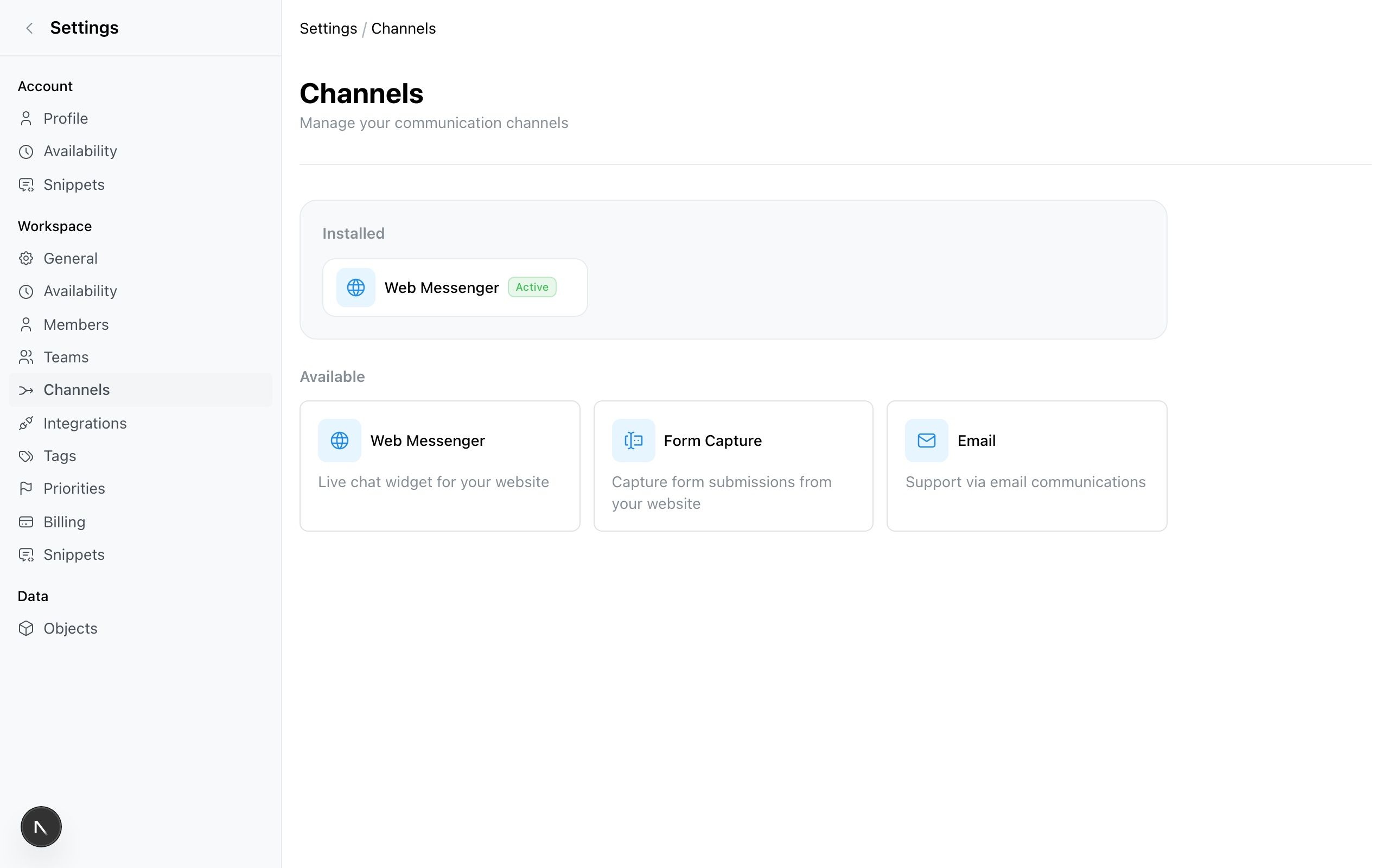
Channels
Connect live chat, email, Slack, and form capture channels to your Zickt inbox and manage all customer conversations from one unified workspace.
Channels are the communication methods your customers use to reach you. Each channel you connect feeds messages into your shared team inbox, where your team reads and replies from one place.
Available channels
Web Messenger
Add a live chat widget to your website for real-time customer conversations.
Connect your Gmail inbox to manage email conversations alongside chat and forms.
Form Capture
Turn website form submissions into conversations routed to your inbox.
Slack
Reply to customers from Slack with bidirectional sync to your inbox.
How channels work
When you connect a channel:
- Messages flow in — Customer messages from that channel appear in your inbox.
- You reply from Zickt — Responses are sent back through the original channel.
- Context is preserved — Conversation history stays attached to the contact, regardless of which channel they use.
Managing channels
Connect and configure channels in Settings > Channels. Click a channel to view its settings, or click Add Channel to connect a new one.